


QuillBot review 2026: How good is the full AI toolkit?
QuillBot is best at improving the text you already have. It can rewrite awkward lines, fix grammar, shorten notes, build citations, and check a draft for signs of AI use.
Updated: Jul 14, 2026
Maya Sterling
QuillBot is best at improving the text you already have. It can rewrite awkward lines, fix grammar, shorten notes, build citations, and check a draft for signs of AI use. The free plan gives you enough room to test the main tools, though the limits are tangible when you work on longer texts.
Let’s tell you about the whole platform’s peculiarities, including its Humanizer, AI Detector, pricing, privacy settings, and the cases where another tool may fit better.
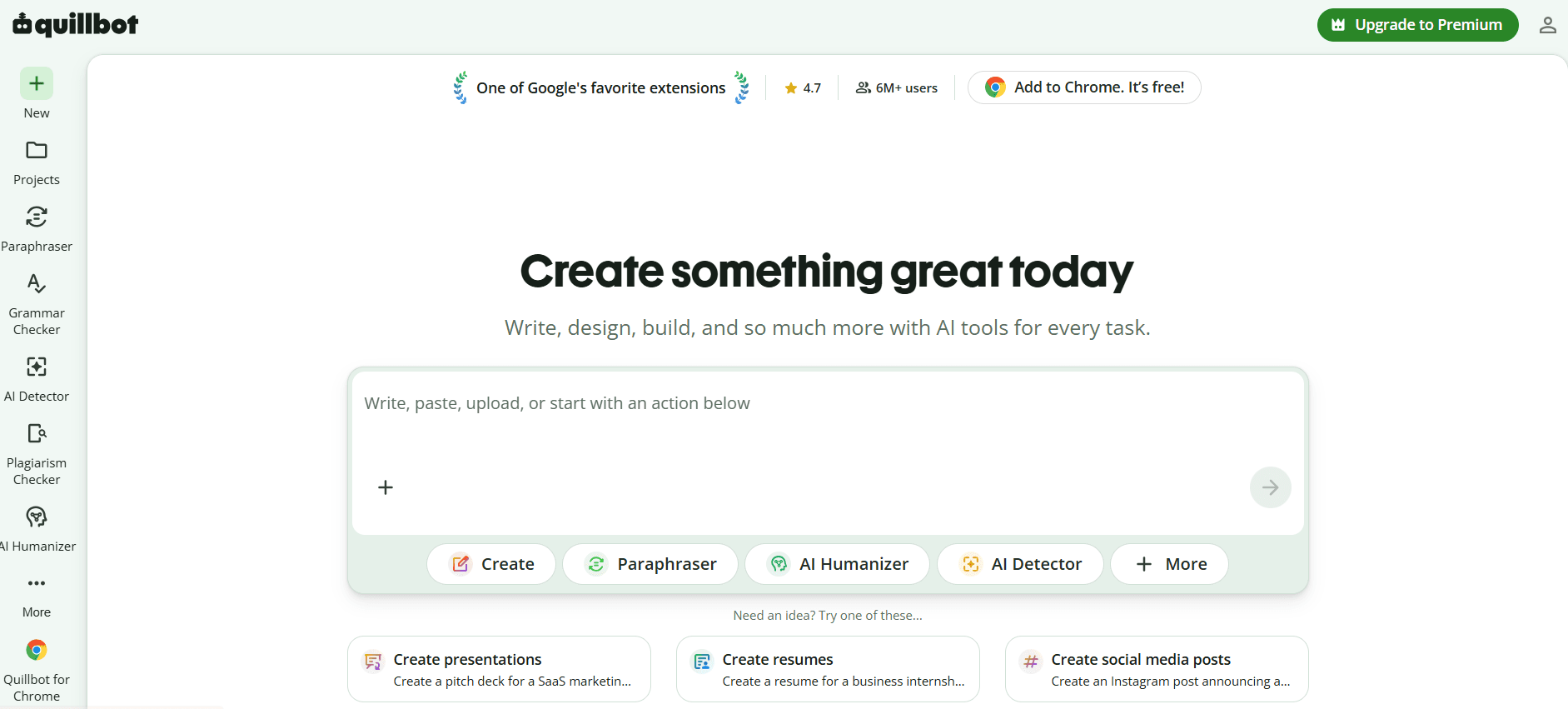
QuillBot review summary
QuillBot works well when you start with a draft. You can reword a sentence, clean up grammar, trim a long paragraph, or turn rough notes into a short summary. The Paraphraser and Grammar Checker still feel like the heart of the platform.
The wider suite adds AI detection, humanizing, plagiarism checks, chat, images, and PDF tools. Not every feature is equally strong. In our test, the Grammar Checker handled context well, while the Paraphraser was uneven and the AI Detector struggled more with mixed text. This mirrors what we found in many other QuillBot reviews.
So, is QuillBot good? Yes, for editing and quick writing support. It is less convincing as the only tool used for serious AI or plagiarism decisions.
QuillBot at a glance | Verdict |
|---|---|
Best feature | Paraphrasing and sentence-level editing |
Other strong tools | Grammar Checker, Citation Generator, Summarizer |
Best fit | Students, writers, editors, and small teams |
Free-plan value | Good for short tasks and testing |
Main weakness | Results still need human review |
Premium value | Best for frequent work and longer text |
Overall verdict | A useful writing suite with a much wider toolset |
Best fit for paraphrasing, grammar, and quick rewrites
The main QuillBot paraphrase review point is: the tool saves time when a sentence feels wrong, but you do not want to rewrite the whole page. It gives several options, one of which may sound sharp, and another may resemble a thesaurus glitch.
Key takeaways
- QuillBot is better at revising text than building complex content from scratch.
- The free plan is useful, but short input limits can slow down regular work.
- Premium adds more modes, longer inputs, Humanizer access, and plagiarism checks.
- The AI Detector can flag text for review, but it cannot settle an authorship dispute.
- Chat, image, PDF, and design tools add value, though they are not the main draw.
Does QuillBot work in 2026?
The answer to the question depends on what you expect. QuillBot began as a paraphrasing tool, but the platform now covers writing, research, AI checks, documents, and simple creative tasks.
That wider scope can be handy if you prefer one account for writing and quick document work. Still, a long tool menu does not mean every feature has the same depth. The writing tools remain the clearest reason to use QuillBot.
Tool | Free access or limit | Premium change | Main use | Main caveat |
|---|---|---|---|---|
Paraphraser | 125 words and two modes | Unlimited input, more modes, custom modes | Rewriting | Can shift tone or meaning |
Grammar Checker | Basic correction | Advanced style tips | Grammar and clarity | Some edits may be needless |
AI Humanizer | 125 words, six uses a day | Unlimited use and more insights | Smoother AI drafts | No bypass promise |
AI Detector | One file at a time | Batch uploads | Early AI screening | Scores are not proof |
Summarizer | Official pages show different free limits | Longer input and custom options | Shortening sources | Key detail may be lost |
Citation Generator | Free, with 1,000+ styles | Core use stays free | Building references | Metadata needs checking |
Plagiarism Checker | Premium only | 25,000 words each month | Finding matching text | Misses some paraphrasing |
Translate | 5,000 characters | Unlimited input | Translation in 52 languages | Specialist copy needs review |
QuillBot’s own pages do not always match. Summarizer limits and mode counts vary by page, so check the live tool if one exact limit could decide whether you pay.
How QuillBot works across the website and apps
So, how does QuillBot work in daily use? Paste text or upload a file, pick a tool or mode, review the result, then copy or export it. QuillBot also has browser, Word, desktop, and mobile apps.
What the platform includes
The suite also has smaller generators and converters. Some are useful extras. Others feel like side dishes next to the main writing tools.
QuillBot’s core writing and editing tools
The Paraphraser changes wording, while the Grammar Checker flags language problems. They work well together, but you still need to read the result.
Paraphraser modes, limits, and output control
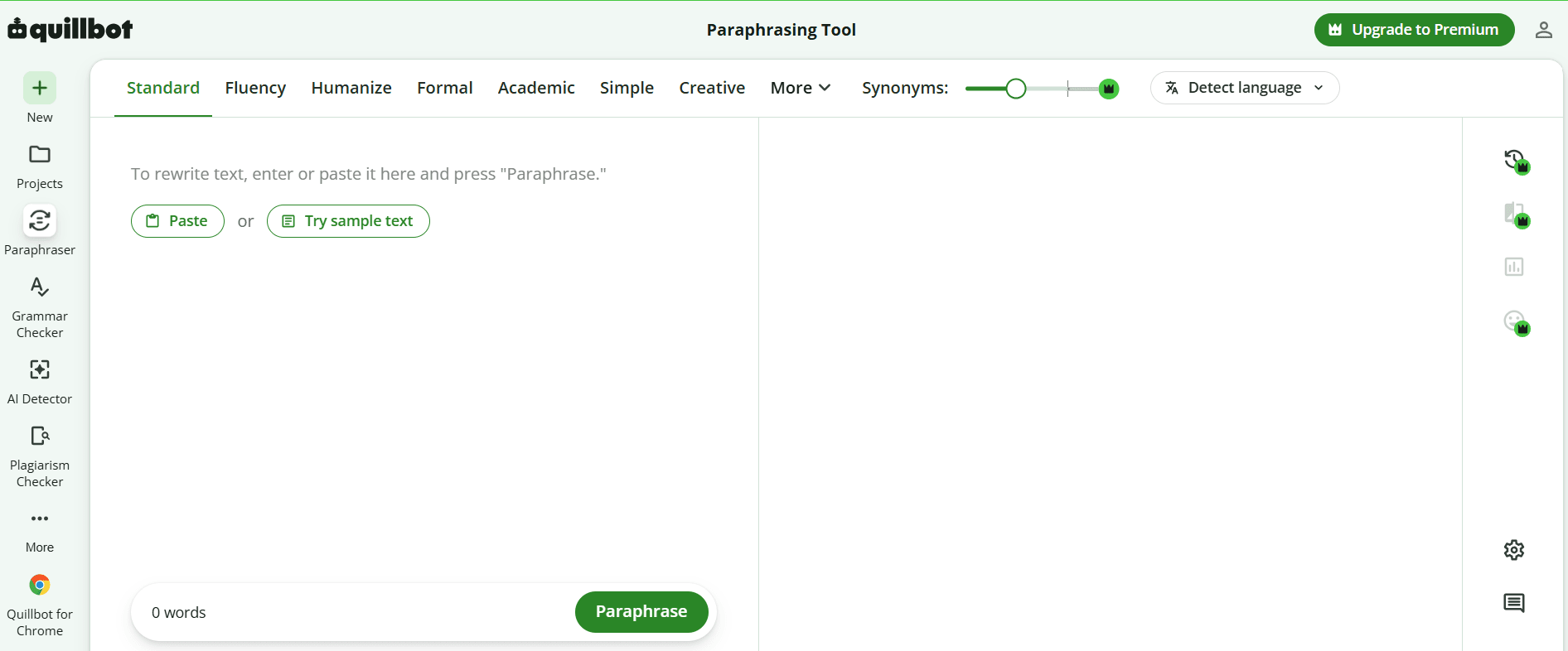
Free users can paraphrase up to 125 words at once in Standard or Fluency mode. Premium removes the input limit and adds Formal, Simple, Creative, Academic, Expand, Shorten, Humanize, and Custom modes.
The Synonym Slider controls how far the wording moves from the source. You can also swap single words or compare several modes at once.
The tool is fast, but speed can hide weak edits. In our test, some lines were reworked well. Others got basic synonym swaps, odd passive voice, or the wrong tone. So, is QuillBot reliable? Yes, as a source of options. No, if you accept every rewrite without checking it.
Grammar corrections and style support
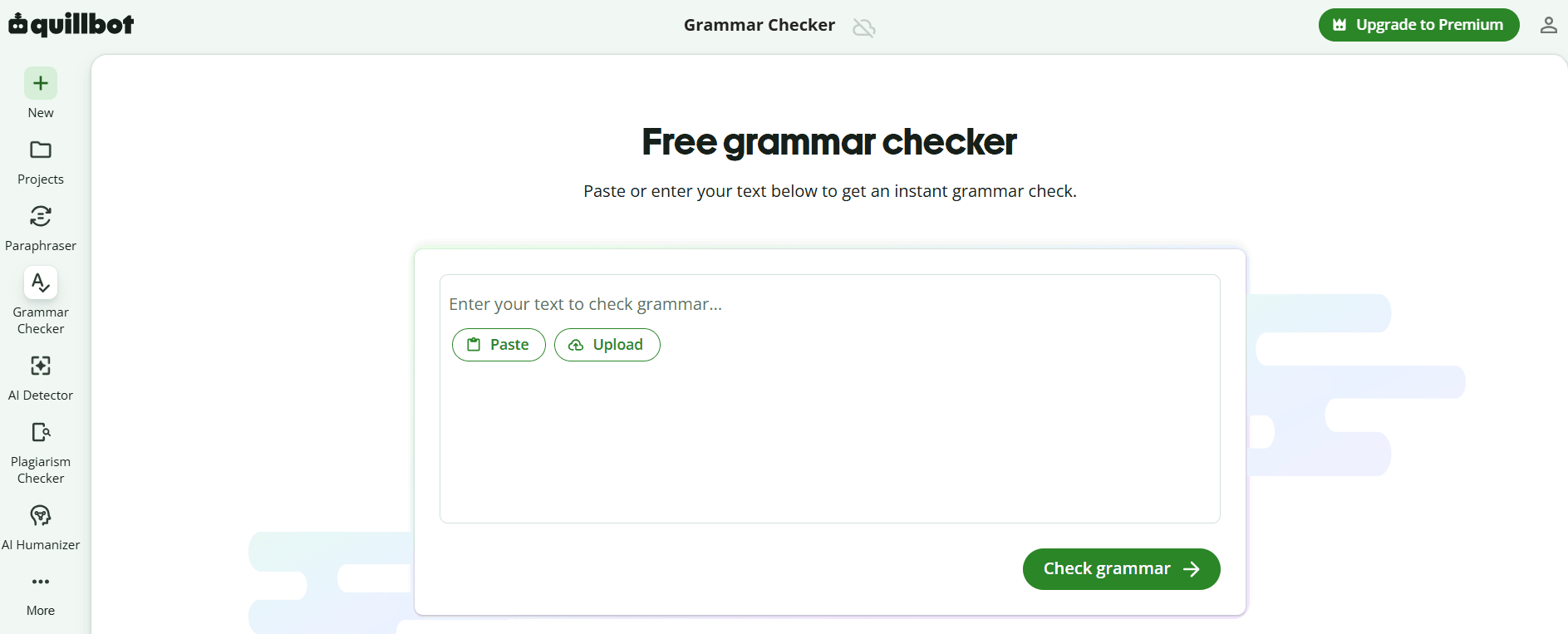
People searching for free grammar with QuillBot can use the checker for spelling, punctuation, and basic grammar without paying. Premium adds more advice on clarity, tone, flow, and style.
The checker often understands context better than a basic spell-check tool. Still, it may smooth out a phrase that was meant to sound casual, sharp, or messy. Dialogue, brand voice, and creative work need extra care.
QuillBot AI Humanizer review
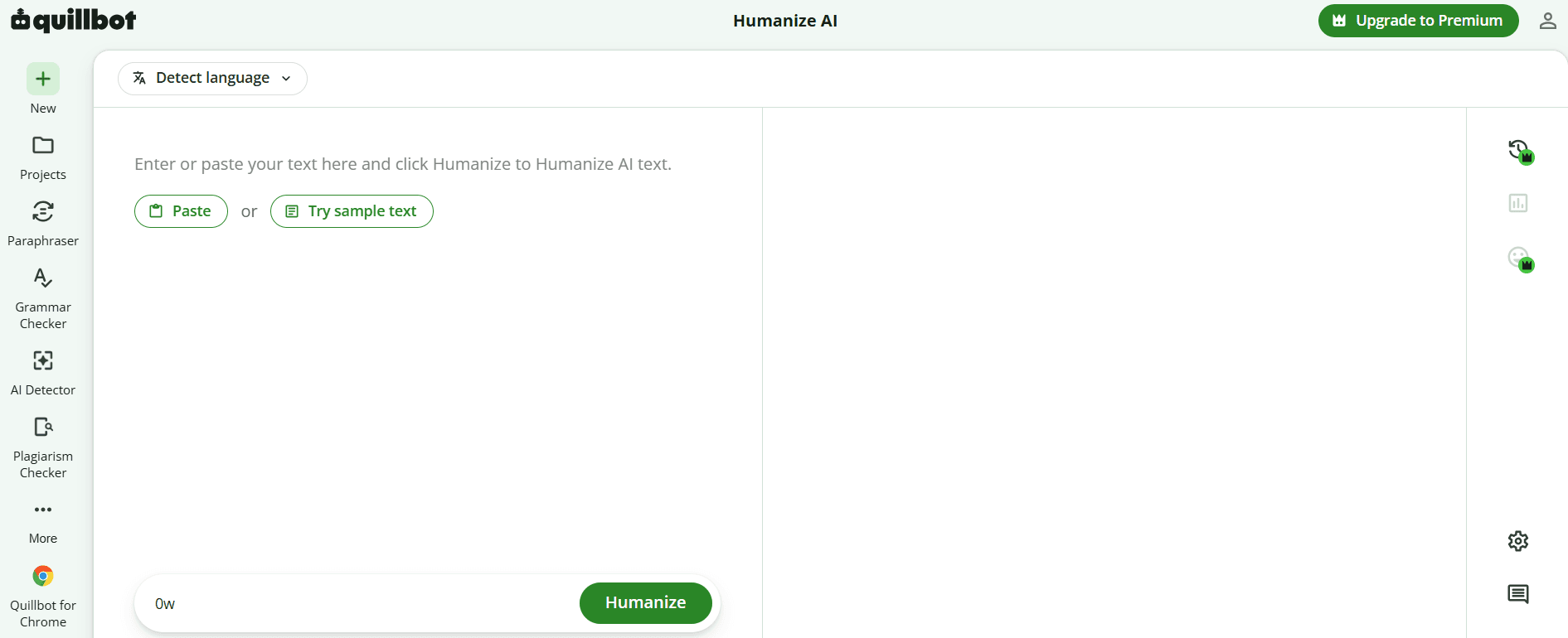
The QuillBot Humanizer gives free users 125 words per input and six uses a day. Premium removes those limits and adds more history and insight. The tool aims to fix stiff flow, repeated patterns, and phrases that often appear in AI drafts.
It can make a rough draft feel less rigid, but it may also change too much.
Does QuillBot Humanizer work?
It can vary sentence shape, improve rhythm, and replace stock AI phrases. According to our experience of using QuillBot humanize AI features, those changes may improve readability. But they do not guarantee a safe result in every detector.
The humanized text’s meaning, flow, and tone might differ from the original, so be sure to check the output for any added claims or lost details. Combine detector scores with your own judgment about the text’s quality.
QuillBot AI Detector review
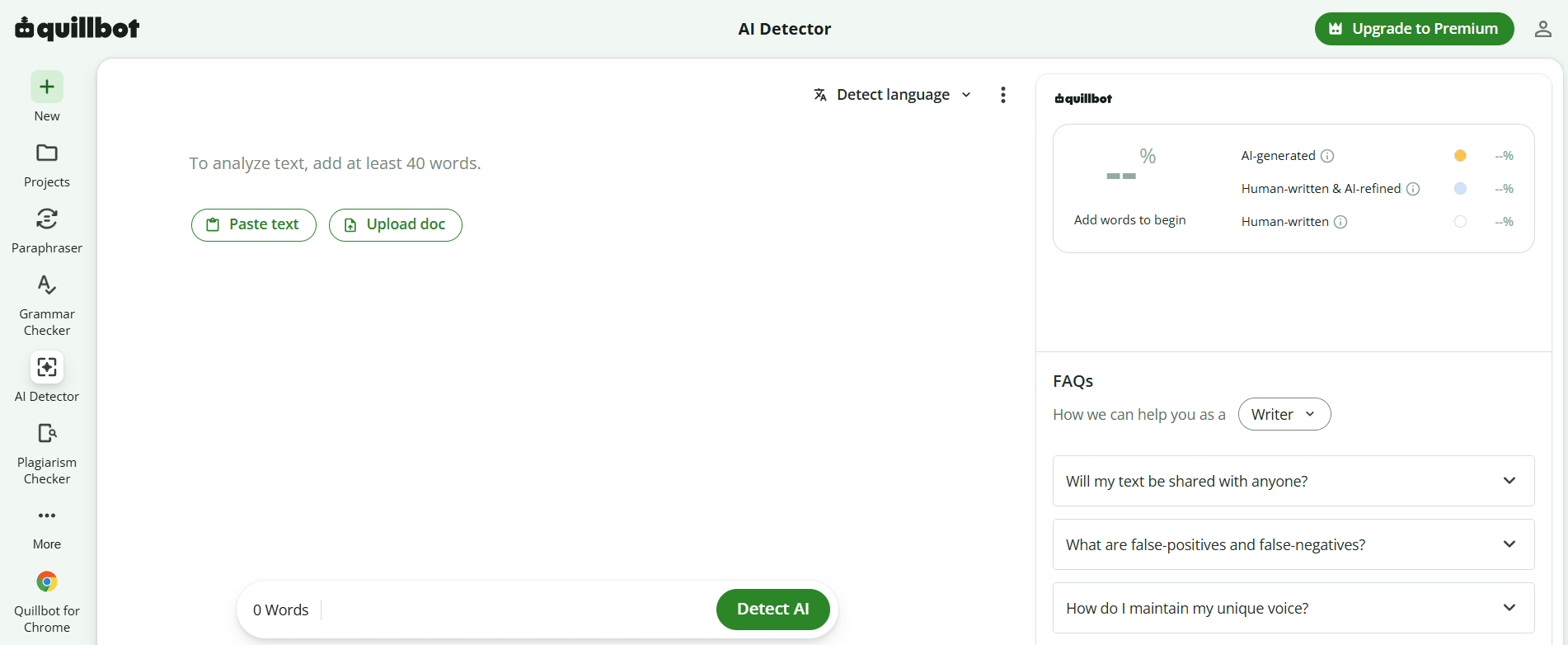
QuillBot’s AI Detector gives an overall score and marks text it sees as AI-written or AI-refined. It needs at least 80 words and supports more than 20 languages. QuillBot says it can check text linked to major models such as GPT, Claude, Gemini, and Llama.
The main benefit is ease. You can check a draft, then move it into the Paraphraser or Humanizer. The risk is that a neat score looks more certain than it is.
How QuillBot checks text for AI writing
The detector looks for patterns linked to AI text, such as steady sentence shape, repeated wording, and high predictability. It then gives a score and highlights parts that may have pushed the result up.
Free users can check one file at a time. Premium supports batch uploads. According to QuillBot’s Help Center, the core detector is the same on both plans, though the Premium page still calls free access limited. This looks like a gap that’s likely to confuse users.
Can you rely on QuillBot’s AI Detector?
Use it as a warning sign, not a verdict. In our test, clear human and clear AI samples were easier to sort than mixed text. Light edits, formal writing, and non-native English can also make results harder to read.
QuillBot warns that false positives and false negatives can happen. A low-risk check may help an editor decide what to inspect. A school or employer needs much more before making a serious claim.
Plagiarism Checker, Citation Generator, and Summarizer
These tools cover matching text, references, and short summaries.
Plagiarism limits and source reporting
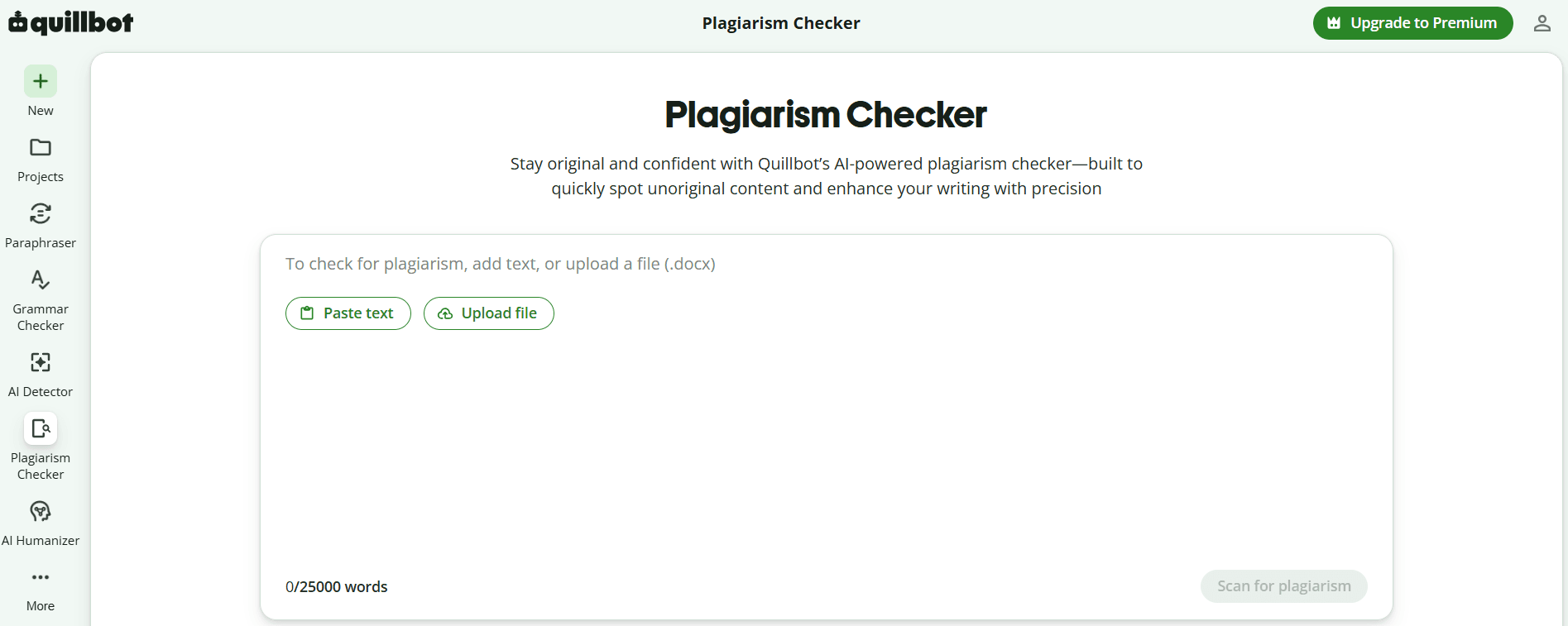
The Plagiarism Checker is a Premium feature. The plan includes 25,000 words each month, with extra word packs sold on top. Reports show the match score, marked passages, likely sources, and missing citations.
Is QuillBot’s Plagiarism Checker accurate? In our experience, it’s pretty accurate in many cases, but the checker cannot find paraphrased plagiarism in every case. That is a real limit for academic work.
Citation and summarization support
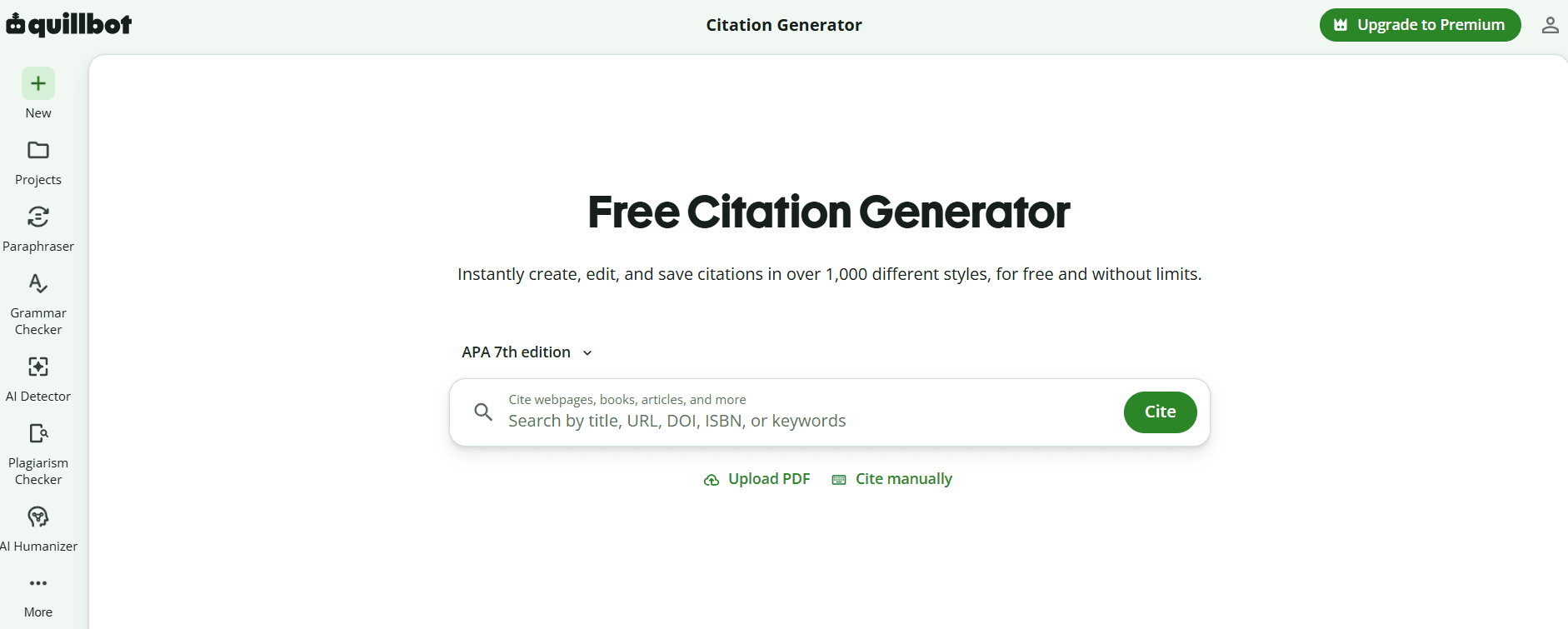
The free Citation Generator supports more than 1,000 styles. Search by URL, DOI, ISBN, title, or keywords, then edit and export the result. Always check the source details.
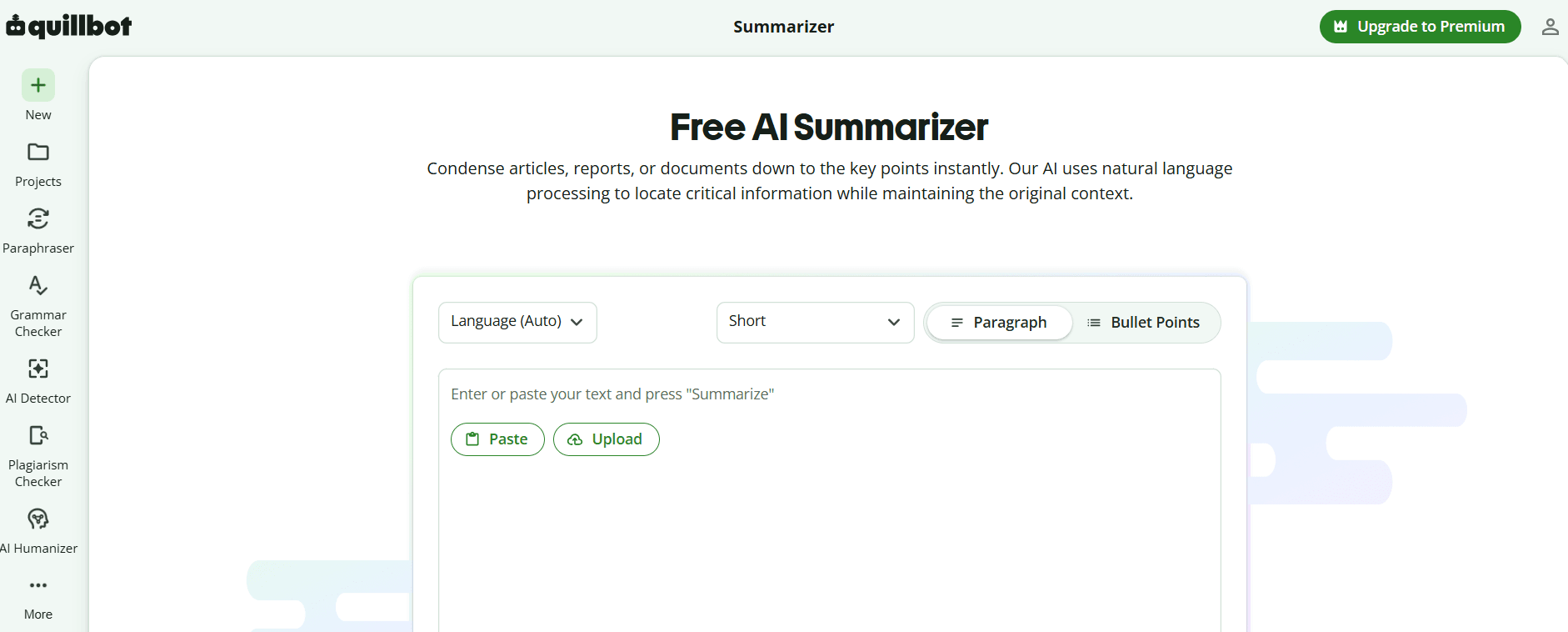
The Summarizer can return a short paragraph or bullet points. You can change the length and, on paid plans, give custom instructions. It works well for quick notes. It can also drop the small phrase that changes the whole argument.
Other QuillBot tools included in the platform
QuillBot also offers AI Chat, Translate, Projects, Flow, image tools, PDF tools, templates, and converters. The plan now feels more like a general work kit.
AI Chat, Translate, Projects, and Flow
AI Chat helps with ideas, questions, drafts, and quick research. Projects and Flow keep documents and AI help in one place, though public pages leave some file and team limits unclear.
Translate supports 52 languages and 5,000 characters per free input. Premium removes that limit. It suits first drafts, but legal, academic, and brand copy still need a skilled reader.
Image, PDF, and design tools
The wider suite includes image generation, image detection, PDF editing, file conversion, presentations, websites, and templates. They may save a trip to another site, but they should not be the main reason to buy a writing plan.
QuillBot pricing and plans
QuillBot lists Premium at $19.95 per month, $39.95 every three months, or $99.95 per year. With annual billing, the monthly cost comes to $8.33. Prices may change by country, currency, or checkout route.
Plan | Price | Main value | Best fit |
|---|---|---|---|
Free | $0 | Core tools with short limits | Light or occasional use |
Premium monthly | $19.95 a month | Full access with flexible billing | Short projects |
Premium quarterly | $39.95 every three months | Lower monthly cost | Seasonal use |
Premium annual | $99.95 a year | Lowest personal rate | Regular writers |
Team, 2–10 seats | $89.95 per seat a year | Premium plus team billing | Small teams |
Team, 11–50 seats | $79.95 per seat a year | Lower seat price | Mid-sized teams |
Team, 51+ seats | $69.95 per seat a year | Lowest listed team rate | Larger rollouts |
Premium makes sense when the 125-word cap gets in your way or if you often use the Humanizer and Plagiarism Checker. Team adds account control and central billing, but not deep approval workflows.
Plans renew on their own. You can cancel and keep access until the paid term ends. Some web plans can be paused for 30, 60, or 90 days. Team and mobile-store plans cannot. QuillBot does not offer a broad money-back promise. Refunds are mainly given where the law requires them.
QuillBot alternatives to compare
The best rival depends on the task. One tool may be better for AI checks, another for full drafts, and another for focused AI humanization.
Tool | Main purpose | Main edge over QuillBot | QuillBot’s edge | Best fit |
|---|---|---|---|---|
GPTZero | AI detection for education | More focused review tools | More editing features | Teachers and schools |
ChatGPT | Ideas, drafting, and research | Better for open-ended work | Faster built-in revision tools | Long-form creators |
Humaniser.ai | Focused AI humanization | Longer free inputs and a more specialized workflow | Wider writing suite and stronger integrations | People who mainly need to refine AI drafts |
GPTZero vs QuillBot
GPTZero puts AI detection first. It offers document, sentence, and word-level signals for teachers and schools. QuillBot offers a wider mix of writing and study tools.
A teacher may prefer GPTZero’s focus. A student or editor who also needs grammar, citations, summaries, and rewriting may get more daily value from QuillBot. Neither tool proves authorship.
QuillBot vs ChatGPT
The choice depends on where the work begins. ChatGPT is stronger for ideas, outlines, long drafts, follow-up questions, and work that grows through a chat. QuillBot is faster when a draft already exists and needs a rewrite, summary, correction, or citation.
Using both can make sense. One helps shape the work. The other helps fix the sentence that has been annoying you for twenty minutes.
QuillBot’s Humanizer vs Humaniser.ai
QuillBot’s Humanizer makes more sense if you already use its other tools. Free inputs are limited to 125 words, but Premium removes the word and usage caps. It also adds advanced rewrites, tone insights, history, and direct use inside ChatGPT and Gemini.
Humaniser.ai is more focused on humanization itself. Its free trial accepts up to 1,000 words and can be used twice per day. The tool aims to improve flow, remove stiff AI patterns, and keep the original point clear. It also includes an AI detector, plagiarism checker, and paraphraser.
Choose QuillBot if you want humanizing as part of a wider editing workflow. Humaniser.ai is the more focused option if rewriting AI drafts is the main job.
Who should use QuillBot?
QuillBot fits people who spend more time editing than prompting:
- Students and researchers using grammar, citations, summaries, and source checks
- Writers, authors, and bloggers polishing drafts
- Editors and small teams handling routine changes
- Multilingual writers who need a quick first-pass translation
Students and researchers
The free writing and citation tools cover a useful study workflow. Premium helps with longer text and plagiarism checks. You still need to check sources and review every citation.
Writers, authors, and bloggers
QuillBot can shorten long lines, untangle awkward sentences, and offer a new tone. It is weaker at structure, fact-checking, reporting, and voice. Use the suggestions as options only.
Editors and content teams
Small teams can use QuillBot for quick rewrites and routine checks. Larger teams may still need approval steps, shared style rules, audit logs, and deeper reports.
Who should choose another tool?
QuillBot may not be enough for:
- Schools making high-stakes decisions about authorship
- Publishers that need deep plagiarism review
- Creators doing long research and full first drafts
- Larger firms with strict privacy or workflow needs
Schools and high-stakes review workflows
An AI score is a guess based on patterns. It should not decide a penalty. Schools also need drafts, writing history, source checks, clear rules, and a fair talk with the student.
Long-form creators and research-heavy workflows
A general AI assistant gives you more room for long chats, outlines, files, research, and full drafts. QuillBot is often more useful later, when the text needs work.
Larger teams needing governance and collaboration
Large teams may need set roles, approvals, shared brand rules, strong reports, and tight data controls. QuillBot’s Team plan manages seats and billing, not a full content operation.
Apps, privacy, and risk reduction
QuillBot works in Chrome, Edge, Safari, Word, Windows, macOS, Android, and iOS. The website has the full suite. Extensions and apps focus on a smaller set of writing tools.
As for privacy, QuillBot says it uses inputs and usage data to improve the service. In newer browser extensions, input storage is on by default, but you can turn it off. Signed-in users can also opt out of model training. Team inputs are excluded by default.
Check those settings before you paste client work, private research, or an unpublished book chapter. That small step is easier than explaining the problem later.
Final verdict: Is QuillBot worth it?
QuillBot is worth a look if you often revise drafts, fix grammar, shorten notes, or build citations. The Paraphraser and Grammar Checker are still the best parts. The AI, PDF, image, and chat tools make the plan broader, but not all feel equally important.
The verdict of this QuillBot review is positive with limits. Use QuillBot to work faster and get more options. Do not let it make the final call for you. Start with Free, test the tools you need, and upgrade only when a real limit gets in the way.
FAQs
Does QuillBot work well for paraphrasing and editing?
Yes. It is most useful when you already have a draft. The Paraphraser suggests new wording, while the Grammar Checker fixes common errors. You still need to review the result because some edits can change the tone or meaning.
Is QuillBot reliable for AI and plagiarism checks?
Paste in your text, choose a tool, and review the suggestions. Students may use it for grammar, citations, and summaries. Writers can use it to shorten, rewrite, or polish drafts. The free plan has tighter limits than Premium.
How does QuillBot work for students and writers?
It is useful for a first check, but not as final proof. The AI Detector can be wrong, and the Plagiarism Checker may miss paraphrased copying. Serious cases still need human review.
Is QuillBot Premium worth paying for?
Premium is useful for long texts, frequent rewrites, extra modes, Humanizer access, advanced tips, and plagiarism checks. Light users may be fine with Free. A monthly plan is the safer choice before paying for a full year.
How does QuillBot compare with GPTZero for teachers?
GPTZero is more focused on AI detection. QuillBot adds paraphrasing, grammar, citations, and summaries. Teachers may prefer GPTZero’s review tools, while students may use QuillBot more often for editing. Neither score should decide a case alone.
Is QuillBot useful for authors and bloggers?
Yes, for new wording, grammar, summaries, and line edits. It will not replace research, structure, or a clear voice. Choose the good suggestions and ignore the clumsy ones.


